
Step 01
Customization input
A web form collects the branding data — school/team name, logo upload, colors, fonts, sport type, team labels. No video processing happens here. The payload is packaged as JSON and sent to our backend API.
ProScoreboard Customization replaces manual template edits with an automated, self-serve render pipeline — built internal-first, with a clean path to opening up to customers.
Built first as an internal tool for our team — the goal is to cut the time and cost of producing branded ProScoreboard videos by replacing manual After Effects work with an automated render pipeline.
The architecture is deliberately shaped so it has a clean path to going public-facing later — same backend, same render pipeline, just opened up to customers directly with account login. Nothing about the core pipeline needs to be rebuilt to make that shift. It's mainly front-end access, authentication, and usage limits that change.
Six steps, fully automated — from the branding form to a broadcast-ready video in the customer's hands.
A web form collects the branding data — school/team name, logo upload, colors, fonts, sport type, team labels. No video processing happens here. The payload is packaged as JSON and sent to our backend API.
An API Gateway endpoint receives the JSON, writes a new render job to the database (status: queued), stores the uploaded logo in S3, and hands the job to the render pipeline.
After Effects needs a full licensed desktop, so we host it on GPU-backed Windows EC2. An SQS queue holds pending jobs; an Auto Scaling Group spins instances up on demand and back down to zero when idle — we only pay for AE compute we actually use.
A small agent on the instance pulls the next job, downloads the branding data and logo from S3, and runs aerender against a pre-loaded AE template — swapping values into pre-named layers like TEAM_NAME, LOGO, and PRIMARY_COLOR.
The finished video uploads to an S3 output bucket. An S3 event triggers a Lambda that marks the job complete and generates a secure, time-limited pre-signed download URL. The web app sees the status flip and shows the download — no manual step on our end.
The instance picks up the next job or shuts itself down if the queue is empty — so we're never paying for idle After Effects license time.
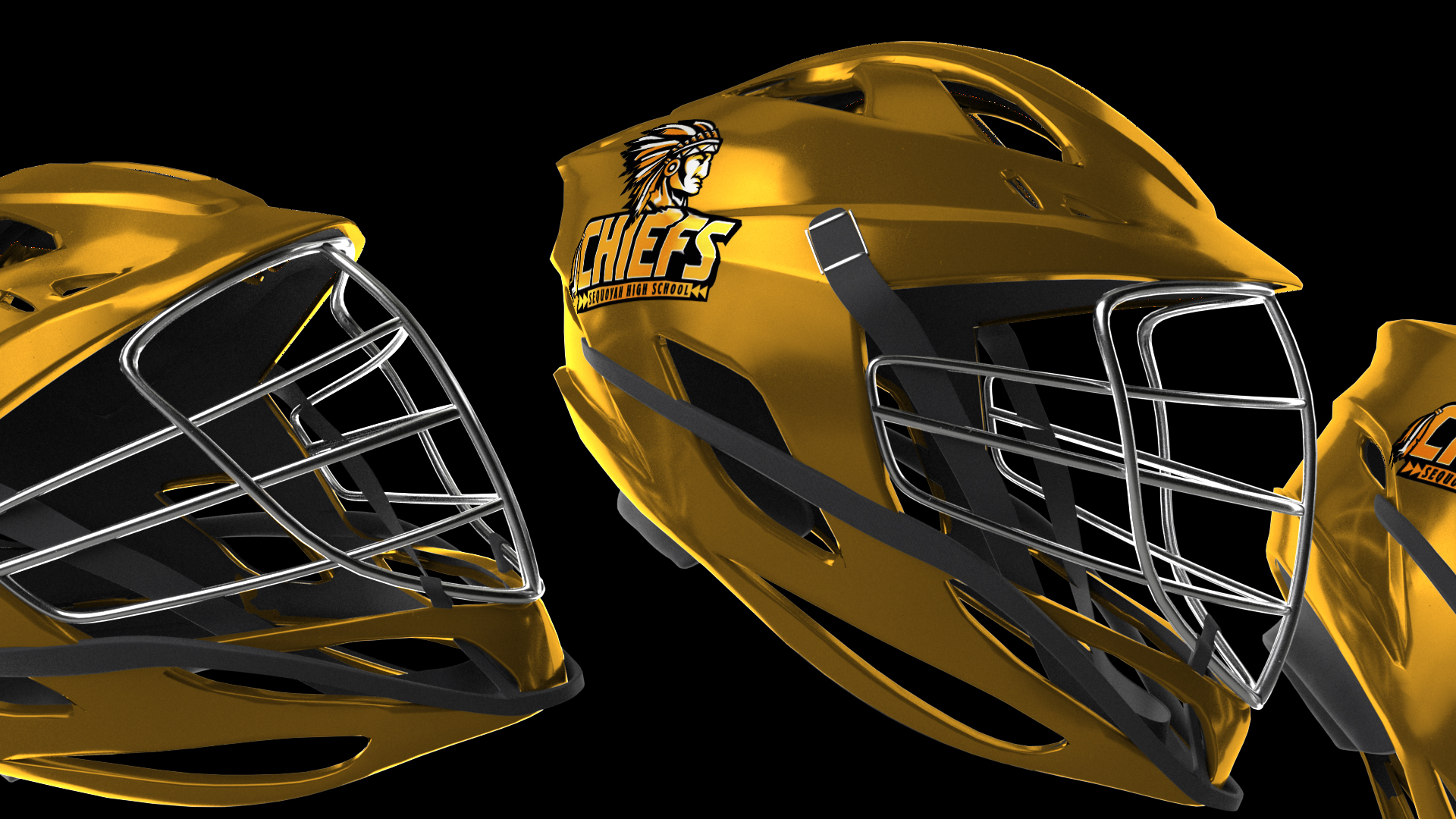
Broadcast-ready overlays, alphas, and wipes — branded per school.





Three architectural bets that keep the pipeline fast, cheap, and ready to scale.
Solves the core problem that After Effects needs a real licensed machine to render, without paying for a GPU instance 24/7.
Lambda hands the finished video back to the website the instant S3 sees the upload — no polling, no manual intervention.
Inputs in, outputs out. Render instances stay stateless and disposable — any instance can pick up any job, so scaling to concurrent renders is straightforward.
Used internally to fulfill customization requests faster and cheaper than doing them by hand in After Effects. Same render pipeline that will later power the customer-facing product.
Same backend, opened up so customers can see their branding before they buy. Only front-end access and guardrails change.
Brand a scoreboard pack in under a minute and watch the render operations page flip to complete.